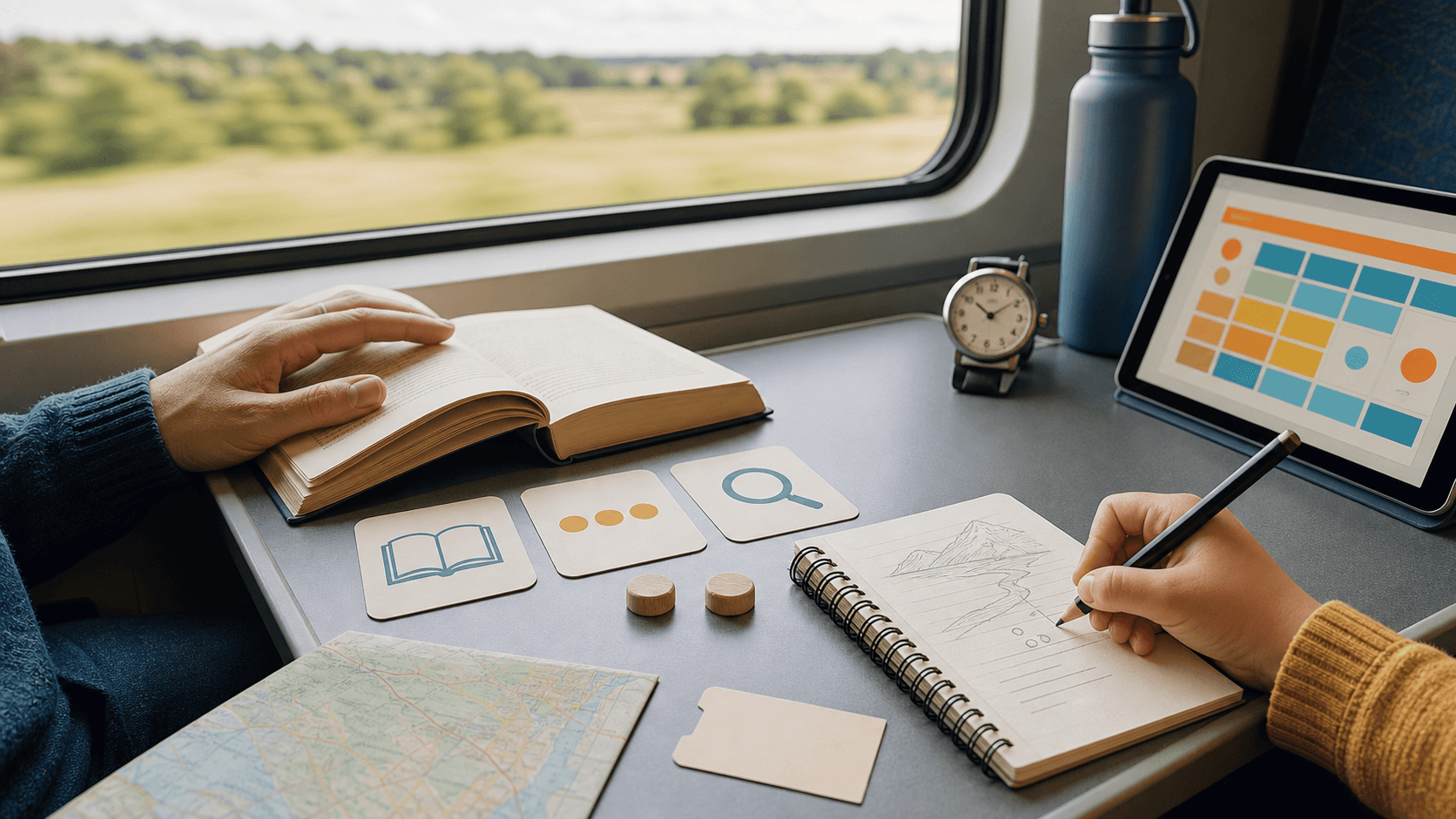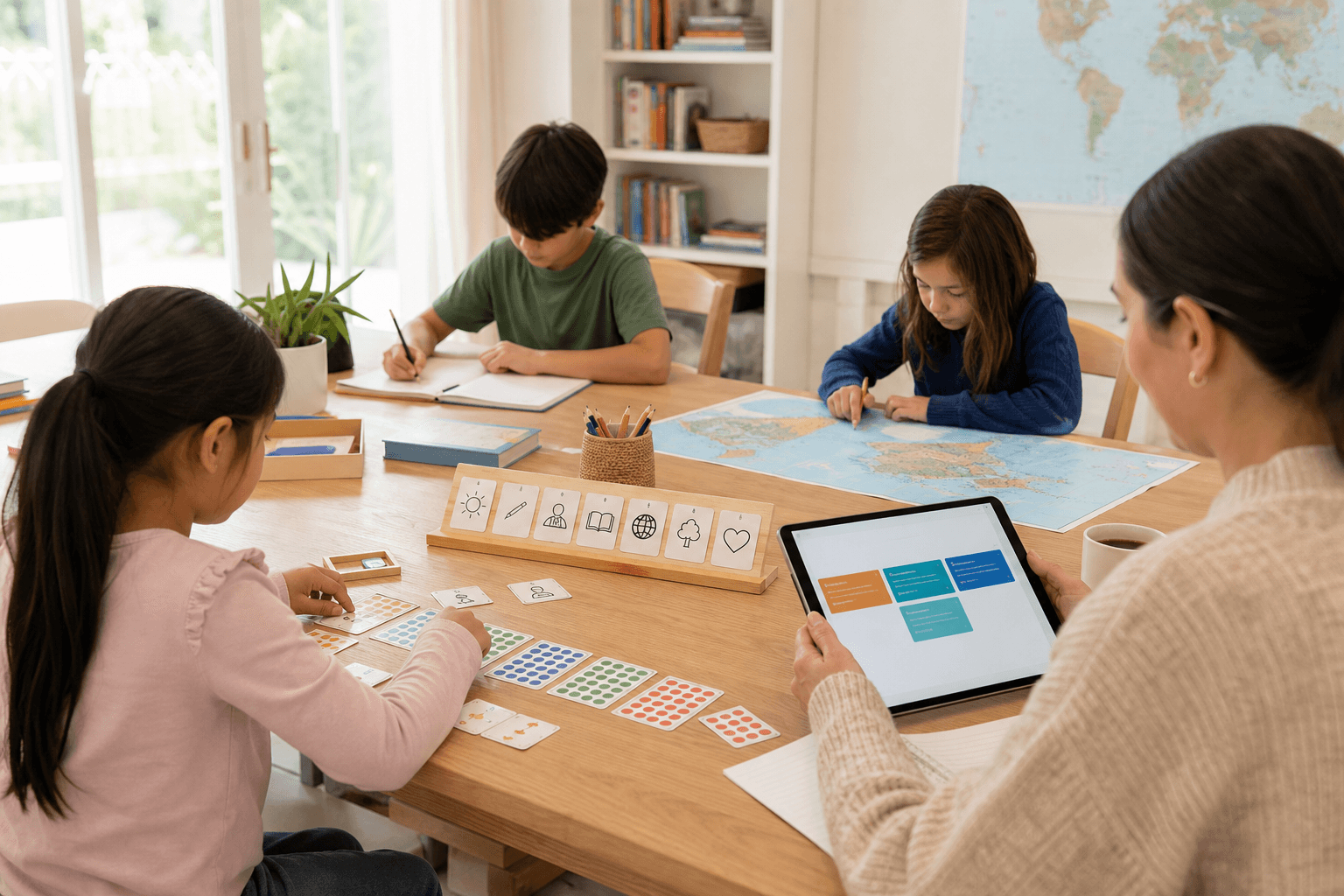
Primary science at home does not need to start with dramatic experiments. For many families, the safer and more useful starting point is careful observation: water, leaves, stones, shadows, magnets, simple materials, and the question of what changed.
A strong science rhythm has four parts. The child notices something, compares it with another example, records a small piece of evidence, and explains the pattern in ordinary language. That is real inquiry, even when the materials are sealed jars, paper, light, water, or household objects.
This matters for homeschooling and worldschooling because science can travel. A beach shell, a kitchen jar, a city shadow, or a plant on a windowsill can become evidence when the system connects it to a skill, a question, and a next step.
SchoolQuest AI should make this easier, not louder. The app can suggest safe observation tasks, connect them to the Grade 1-6 program map, ask for one clear explanation, and save a parent-friendly portfolio note without turning science into a risky performance.
The boundary is important: families still need adult supervision, local safety judgment, and age-appropriate materials. SchoolQuest AI can structure inquiry, but it should never push children toward unsafe chemicals, fire, pressure, sharp tools, or experiments parents cannot comfortably supervise.
Next decision
Adult learning guide
Creating an adult account is free. Prepared paid practice requires an active SchoolQuest plan; a free account alone does not unlock it.
Adult learning guide
The app offers exercises compatible with the chosen grade and cycles through the selected skill. Prepared explanations and answer feedback help with practice; open written work may need an adult to review it.
Adult learning guidePrepared curriculum
These figures describe the authored curriculum catalogue. The local app offers its compatible prepared exercises; catalogue totals are not a promise of cloud tutoring, certification or every former feature.
Prepared curriculumOther apps have separate scope
These SchoolQuest plans pay for the local SchoolQuest practice described here. They do not create a combined subscription or promise features from Little AI Minds or another app. Check any other app’s current scope and terms separately before buying.
Other apps have separate scopePlans and scope
Creating an adult account is free. Prepared paid practice requires an active SchoolQuest plan; a free account alone does not unlock it.
See prices and orderBrowser app on your device
The app works in a compatible browser. Installing a home-screen shortcut does not add cloud sync or guarantee offline access. Online authentication and parent checks are still required.
Read the device guideAdult learning guide
Contact support
This guide is already public. If you submit the optional form, your adult email, consent and app-interest choice are sent online and stored for that request. Do not include child details. Learning-place JSON backups remain separate.