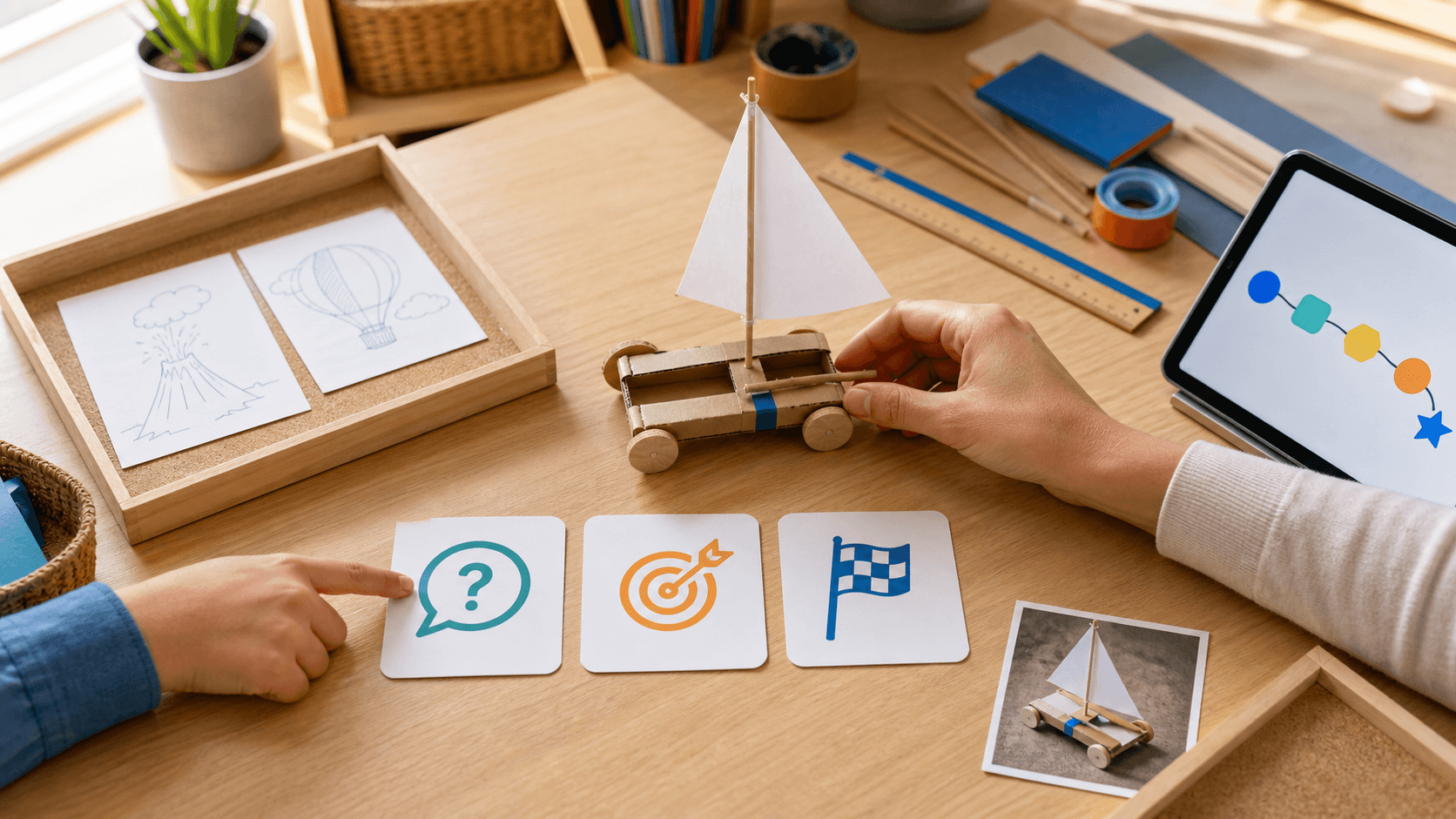
An AI tutor can explain quickly, but speed and confidence are not evidence. In homeschooling and worldschooling, parents need a small reliability habit that protects learning without turning every session into a research project. Use three steps: isolate one claim, check two suitable sources, then ask for an explain-back.
First, isolate the claim that matters. Pause when an answer includes a date, scientific mechanism, place, quotation, health or safety instruction, or another detail the child will build on. Write or say the claim in one short sentence. Do not fact-check every friendly transition or practice prompt; focus on information that changes understanding or action.
Second, compare two suitable sources. For primary learning, that might be an age-appropriate reference book plus a museum, university, government, library, or established educational source. A second AI answer is not an independent source. Check whether both sources support the same core idea, whether the information is current enough for the topic, and whether important context is missing.
Third, ask the child to explain the corrected idea without copying the tutor. A sketch, model, spoken explanation, worked example, map note, or two-sentence summary can reveal whether the idea now makes sense. Save one light portfolio note: what was checked, which sources helped, and what changed. The goal is reasoning, not a perfect citation exercise.
Adjust the routine to learner fit. A gifted or high-IQ child may enjoy comparing source limits or resolving a contradiction. A child with ADHD may need one claim card and one source at a time. An autistic, sensory-sensitive, or twice-exceptional / 2e learner may benefit from a predictable check sequence and a clear stopping point. Adjust pace, explanation style, review, sensory load, and challenge. This is learning design, not diagnosis, therapy, cure, or a guaranteed outcome.
SchoolQuest AI is part of the Little AI Minds Universe. Its role is to keep parent-approved learning goals, mastery checks, review, and portfolio evidence visible. A trustworthy learning system should make uncertainty easy to notice, let families pause, and keep the parent—not the model—in charge of what becomes learning evidence.
Use the short rule: claim, two sources, explain-back. When the sources disagree or the topic affects health, safety, law, money, or another high-stakes decision, stop the lesson and consult an appropriate qualified source. AI support can start a question; it should not become the final authority.
Next decision
Turn a guide into a concrete family step
Choose the next route based on what you are deciding now: a first calm week, complete Grade 1-6 coverage, family fit before you create an account, or phone/tablet use for gifted/high-IQ, ADHD, autistic, 2e, and mixed-pace learners.
Start with one calm week
Use the starter guide when your family needs a practical rhythm for attention, confidence, sensory load, and different learning paces before changing everything.
Open starter guideCheck full primary coverage
Open the program map when you need to see how math, reading, writing, science, geography, projects, life skills, and portfolio evidence fit together.
Open program mapUse both apps as one family path
Use SchoolQuest AI for weekly rhythm, mastery checks, records, and parent review. Add Little AI Minds when core learning is done and a bigger creative AI project makes sense.
See the family bundle pathDecide whether SchoolQuest fits now
Review the fit signals families should understand before joining: High-IQ, ADHD, autism, 2e, mixed learning styles, boundaries, help rhythm, and what should be clear before any paid access.
Review family fitTry the app surface on devices
Use the install page when you want the learning area and parent view on a phone or tablet while articles, pricing, and legal information stay in the browser.
Open install guideAI Homeschooling Starter Guide
Get the starter guide
Join the guide list and we will use this interest signal to send the right next steps.