A homeschool or worldschooling week can fall apart for ordinary reasons: illness, travel, paid work, a difficult transition, or a plan that simply asked too much. The answer is not to squeeze five missed days into Friday.
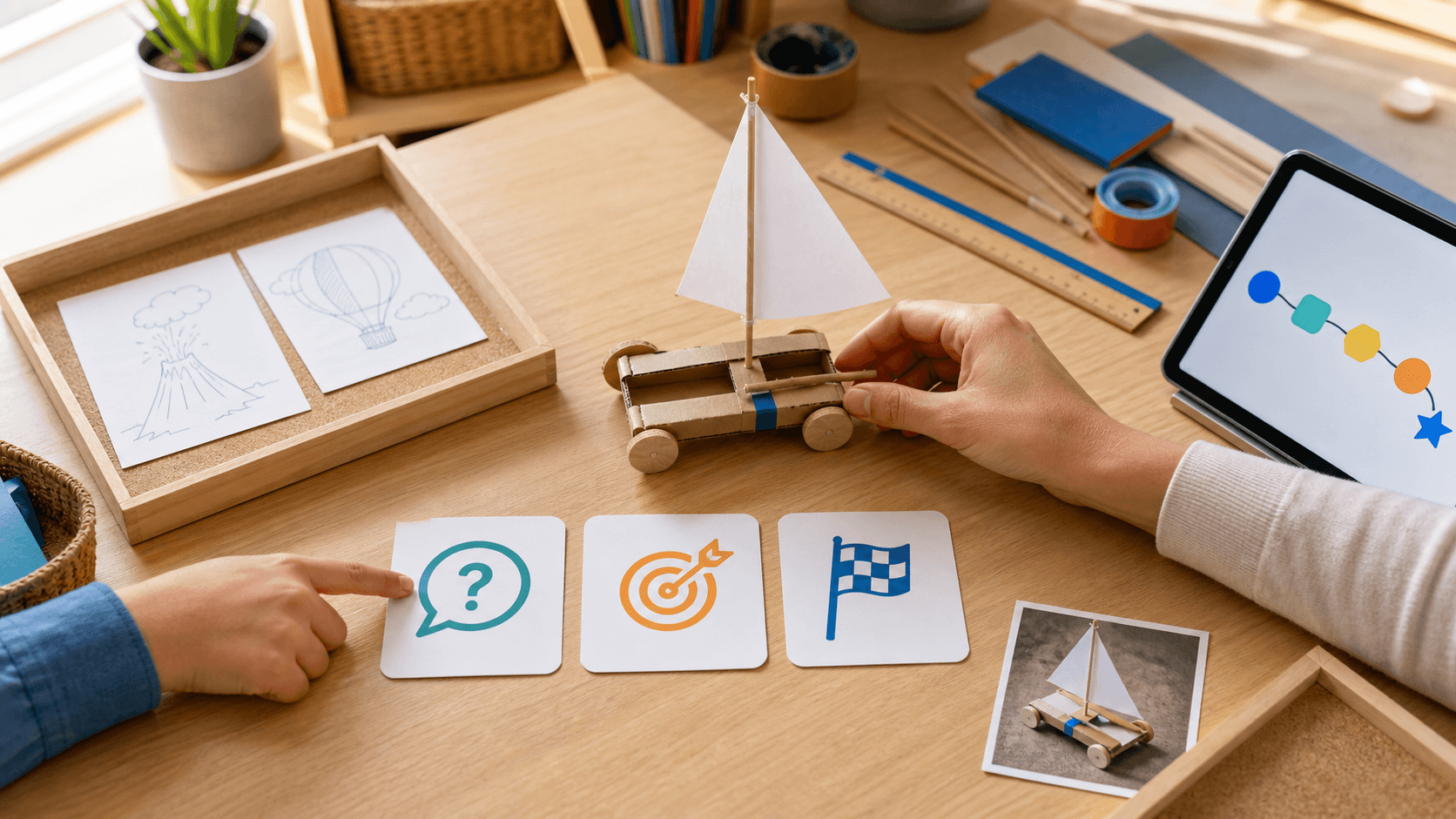
Use a three-choice reset: keep one core priority, move one useful project, and drop one task without guilt. Keep the skill that unlocks the next step. Move the project that still has energy. Drop the activity that exists only because it was written on Monday's plan.
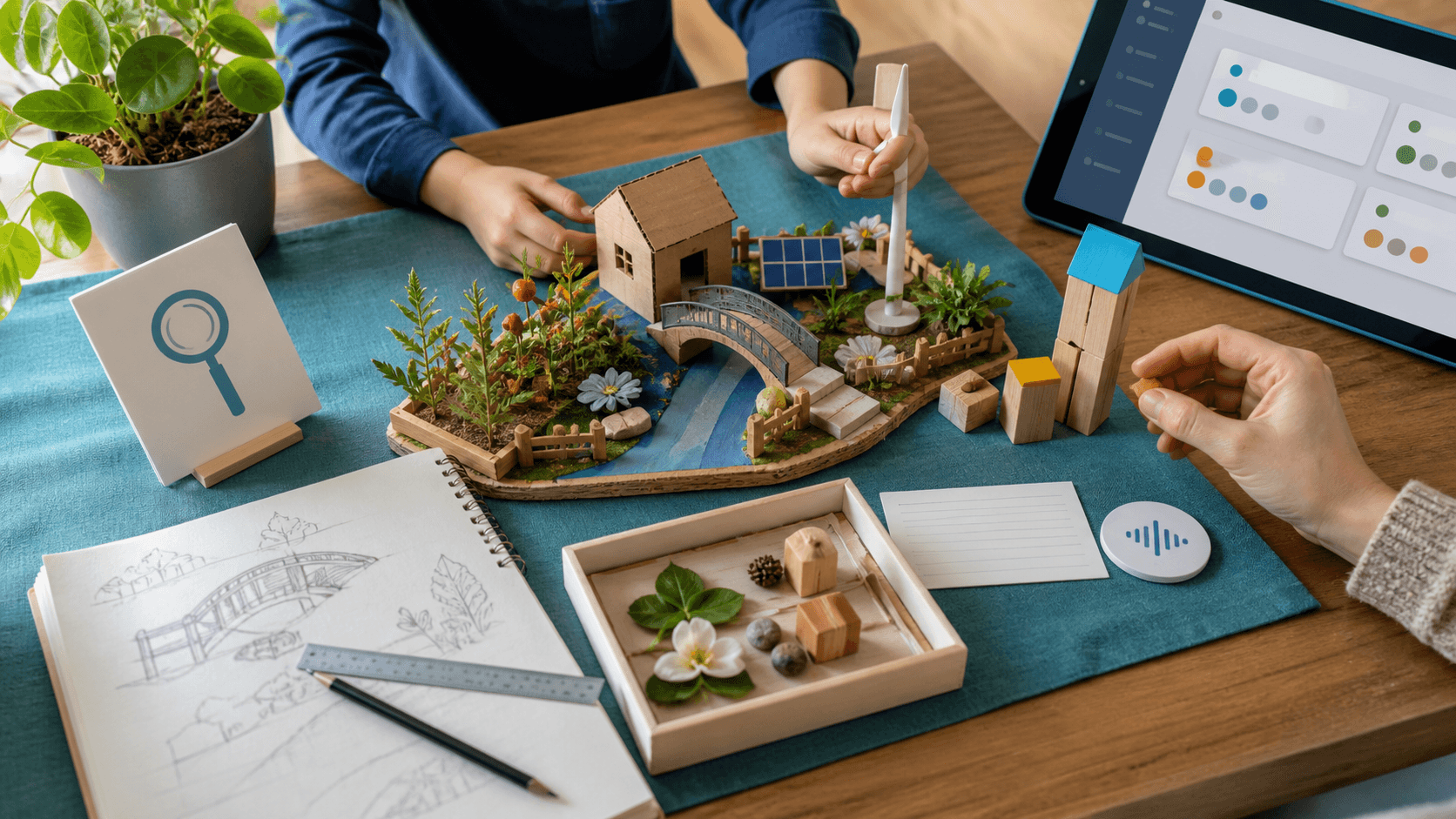
Then make the smaller week visible. Choose one focused learning loop, one brief mastery check, and one light evidence item such as a sketch, photo, solved example, oral explanation, or parent note. A reduced week can still be a serious week when the learning is clear.
The reset should fit the learner. A gifted or high-IQ child may keep depth while reducing repetition. A child with ADHD may need a short finish line. An autistic or twice-exceptional / 2e learner may need the changed sequence shown in advance, lower sensory load, or another way to explain. Adjust pace, explanation style, review, sensory load, and challenge. This is learning design, not diagnosis, therapy, or a guaranteed outcome.
SchoolQuest AI is part of the Little AI Minds Universe. SchoolQuest can hold the revised weekly rhythm, subject balance, mastery checks, parent review, and portfolio evidence so a changed plan does not become an invisible week.
If the kept project naturally grows into a story, comic, model, coding idea, or broader creative AI project, the SchoolQuest AI + Little AI Minds family-bundle path gives it room to expand. SchoolQuest keeps the learning thread; Little AI Minds provides the creative studio.
A reset is successful when Monday no longer controls the family. Keep one thing, move one thing, drop one thing, and end with proof that the week still moved forward.
Next decision
Turn a guide into a concrete family step
Choose the next route based on what you are deciding now: a first calm week, complete Grade 1-6 coverage, family fit before you create an account, or phone/tablet use for gifted/high-IQ, ADHD, autistic, 2e, and mixed-pace learners.
Start with one calm week
Use the starter guide when your family needs a practical rhythm for attention, confidence, sensory load, and different learning paces before changing everything.
Open starter guideCheck full primary coverage
Open the program map when you need to see how math, reading, writing, science, geography, projects, life skills, and portfolio evidence fit together.
Open program mapUse both apps as one family path
Use SchoolQuest AI for weekly rhythm, mastery checks, records, and parent review. Add Little AI Minds when core learning is done and a bigger creative AI project makes sense.
See the family bundle pathDecide whether SchoolQuest fits now
Review the fit signals families should understand before joining: High-IQ, ADHD, autism, 2e, mixed learning styles, boundaries, help rhythm, and what should be clear before any paid access.
Review family fitTry the app surface on devices
Use the install page when you want the learning area and parent view on a phone or tablet while articles, pricing, and legal information stay in the browser.
Open install guideAI Homeschooling Starter Guide
Get the starter guide
Join the guide list and we will use this interest signal to send the right next steps.