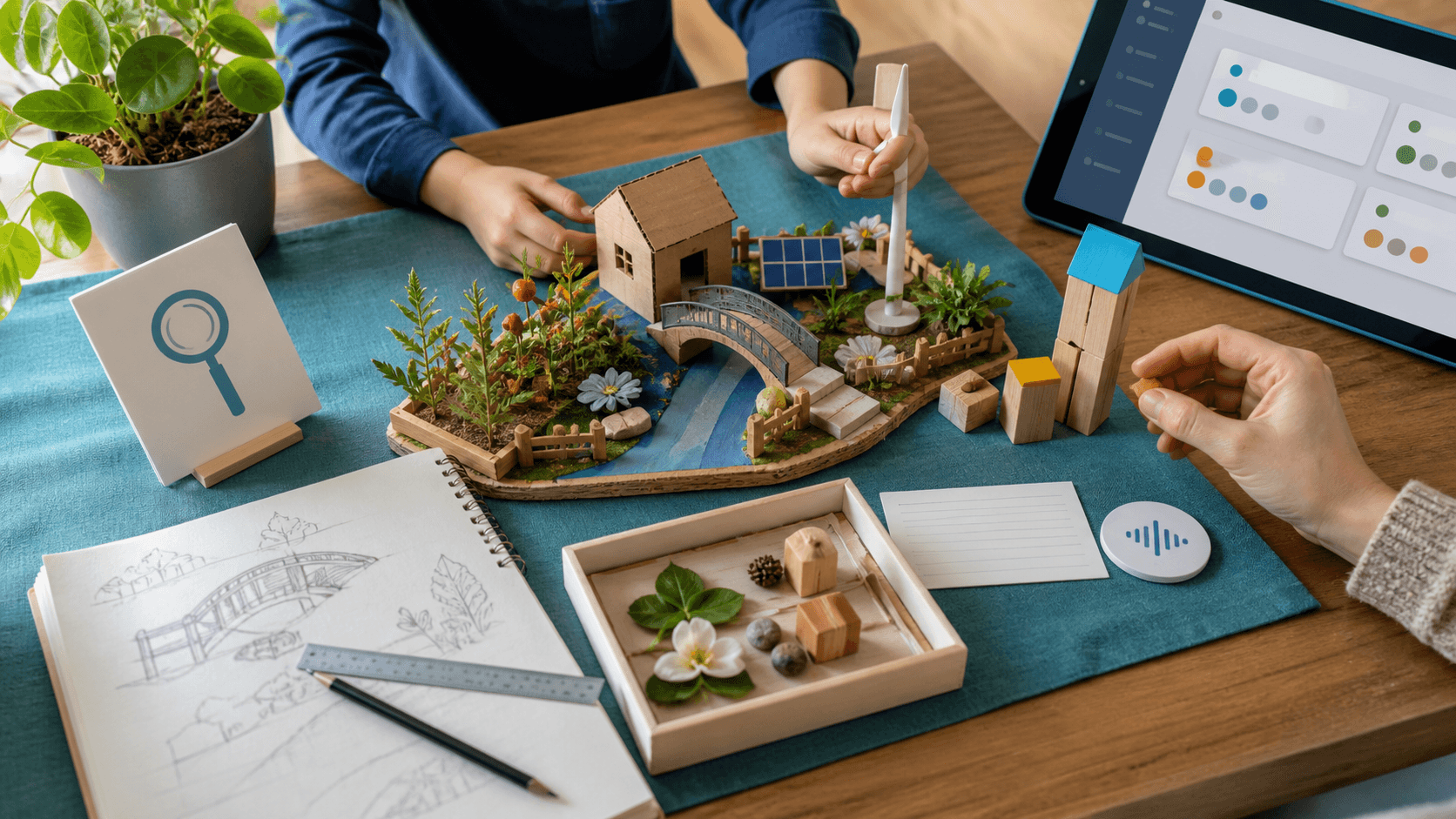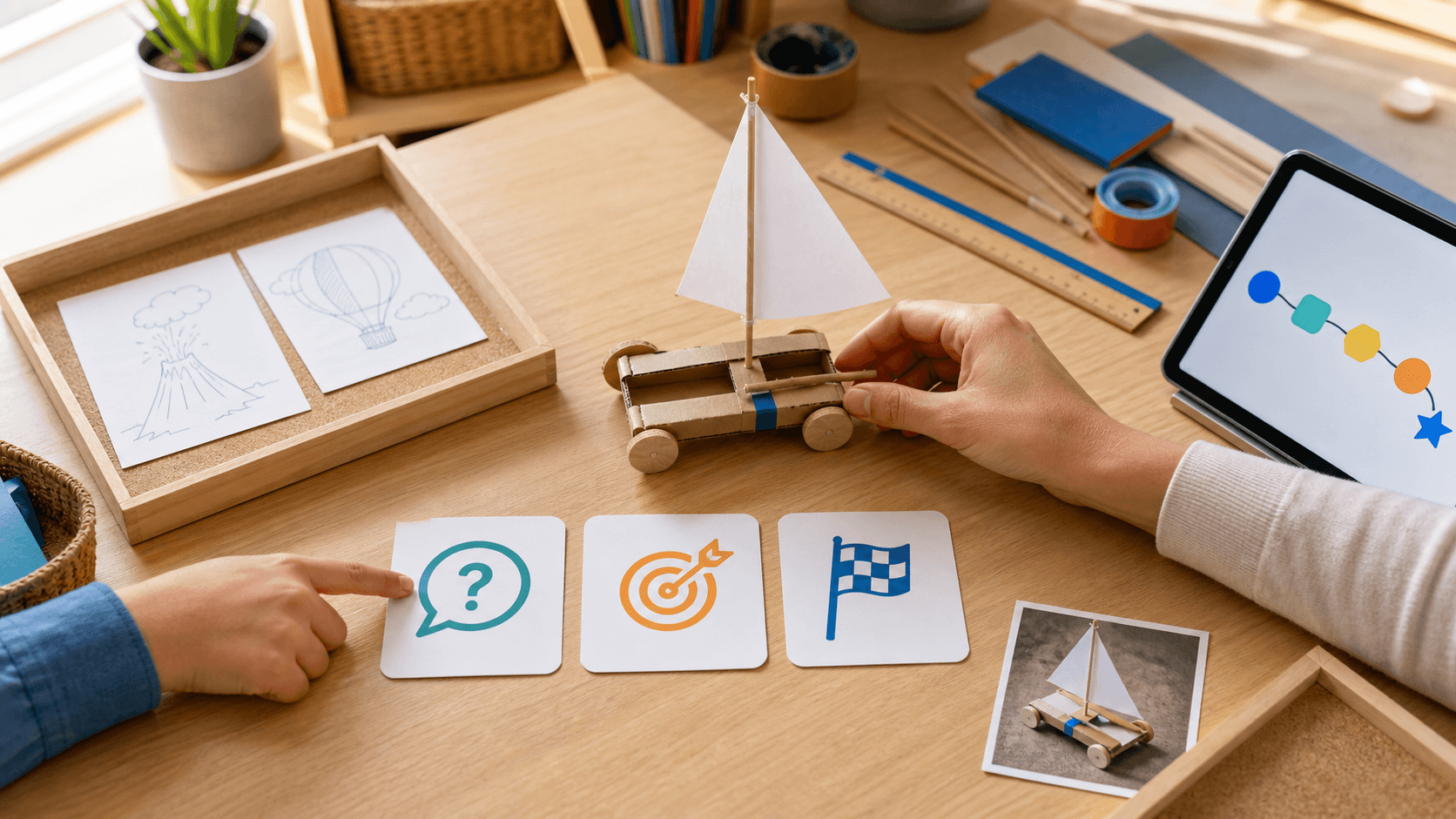
Project-based homeschooling can begin with wonderful energy and end with twelve open tabs, half-built models, and a parent quietly carrying the planning load. The problem is rarely a lack of curiosity. The project is simply too wide to finish. A useful boundary is: one question, one skill target, one visible finish line.
Start with one question the child genuinely wants to answer. Instead of “learn about wind,” try “Which paper sail moves our cardboard cart farthest?” A bounded question still allows choice and depth, but it tells the family what belongs in this project and what can wait in a later-ideas tray.
Choose one primary skill to notice. The sail-cart project might focus on measuring distance, writing a fair comparison, explaining force, or revising a design—not all of them at once. Other learning can happen naturally, but one target tells the parent what to review and prevents a creative project from becoming a hidden full curriculum.
Define the finish line before building begins. It might be one working model, three measured trials, a two-minute explanation, or a photo plus one reflection. “Make it better” has no edge; “test three sails and explain the choice” can be completed. Save one small proof and close the project while interest is still alive.
Learner fit changes the route, not the finish line. A gifted or high-IQ child may need a harder variable or a deeper comparison. A child with ADHD may need the project split into short build, test, and record loops. An autistic, sensory-sensitive, or twice-exceptional / 2e learner may benefit from a visible sequence, fewer materials, another response format, and a predictable stopping point. Adjust pace, explanation style, review, sensory load, and challenge. This is learning design, not diagnosis, therapy, cure, or a guaranteed outcome.
SchoolQuest AI is the structured learning system inside the Little AI Minds Universe. It can connect the question to a primary skill, keep the finish line visible, support a mastery check, and save one portfolio note under parent review. When the finished project naturally grows into a story, animation, design, coding idea, or another broader creative AI artifact, the SchoolQuest AI + Little AI Minds family path keeps that expansion purposeful instead of turning the school day into endless scope.
Use the short rule at the start of the next project: one question, one skill, one finish line. Park every attractive extra idea for later. Finishing a smaller project teaches planning, revision, explanation, and closure—and leaves enough energy to begin the next good question.
Next decision
Turn a guide into a concrete family step
Choose the next route based on what you are deciding now: a first calm week, complete Grade 1-6 coverage, family fit before you create an account, or phone/tablet use for gifted/high-IQ, ADHD, autistic, 2e, and mixed-pace learners.
Start with one calm week
Use the starter guide when your family needs a practical rhythm for attention, confidence, sensory load, and different learning paces before changing everything.
Open starter guideCheck full primary coverage
Open the program map when you need to see how math, reading, writing, science, geography, projects, life skills, and portfolio evidence fit together.
Open program mapUse both apps as one family path
Use SchoolQuest AI for weekly rhythm, mastery checks, records, and parent review. Add Little AI Minds when core learning is done and a bigger creative AI project makes sense.
See the family bundle pathDecide whether SchoolQuest fits now
Review the fit signals families should understand before joining: High-IQ, ADHD, autism, 2e, mixed learning styles, boundaries, help rhythm, and what should be clear before any paid access.
Review family fitTry the app surface on devices
Use the install page when you want the learning area and parent view on a phone or tablet while articles, pricing, and legal information stay in the browser.
Open install guideAI Homeschooling Starter Guide
Get the starter guide
Join the guide list and we will use this interest signal to send the right next steps.