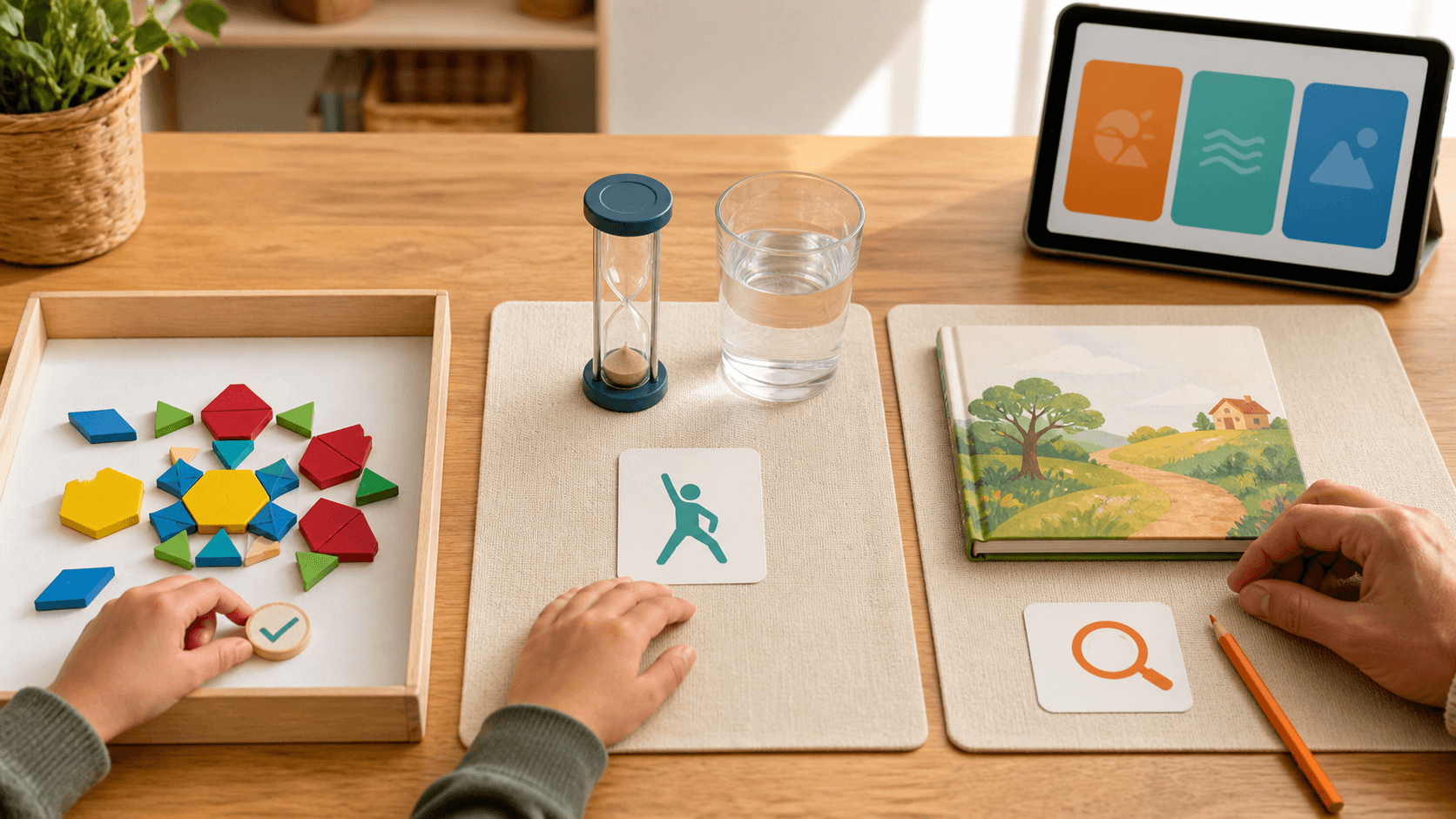
A useful AI tutor can make a homeschool session lighter without taking over the family’s judgement. It can ask a next question, offer one small hint, show another way to practise, or help a learner put an explanation into words. It should not become the authority that decides what a child needs, how long they should work, or what a family must do next.
A clear boundary is simple: the tutor helps with the learning moment; the parent keeps the learning decisions. That means the AI does not label a learner, diagnose a difficulty, promise progress, pressure a child to continue, or turn one answer into a verdict about ability. It also does not replace a parent’s choice about rest, movement, sensory load, privacy, outside support, or whether today’s learning is complete.
For a parent review, look for four signals. First, does the tutor ask before it tells? Second, can its hint stay small enough for the learner to keep the reasoning? Third, does it accept a pause or a different explanation style without treating that as failure? Fourth, can the parent see the skill being practised and choose the next step? These checks work for quick learners, children who need more repetition, and neurodivergent learners alike. They are learning design, not diagnosis, therapy, or a guarantee of an outcome.
SchoolQuest AI, part of the Little AI Minds Universe, is designed for a parent-visible learning loop: a bounded mission, adjustable pace and explanation style, a manageable review point, and a clear finish. The tutor can support the work inside that loop, while the family remains in charge of the plan around it. Broader creative AI projects belong after that core learning loop is complete, not as a distraction from it.
A good question to end every AI-supported session is not “Did the tutor solve it?” but “What did the learner understand, and what does the family want to try next?” That keeps technology in its useful place: responsive support, with the parent’s judgement and the learner’s dignity intact.
Next decision
Adult learning guide
Creating an adult account is free. Prepared paid practice requires an active SchoolQuest plan; a free account alone does not unlock it.
Adult learning guide
The app offers exercises compatible with the chosen grade and cycles through the selected skill. Prepared explanations and answer feedback help with practice; open written work may need an adult to review it.
Adult learning guidePrepared curriculum
These figures describe the authored curriculum catalogue. The local app offers its compatible prepared exercises; catalogue totals are not a promise of cloud tutoring, certification or every former feature.
Prepared curriculumOther apps have separate scope
These SchoolQuest plans pay for the local SchoolQuest practice described here. They do not create a combined subscription or promise features from Little AI Minds or another app. Check any other app’s current scope and terms separately before buying.
Other apps have separate scopePlans and scope
Creating an adult account is free. Prepared paid practice requires an active SchoolQuest plan; a free account alone does not unlock it.
See prices and orderBrowser app on your device
The app works in a compatible browser. Installing a home-screen shortcut does not add cloud sync or guarantee offline access. Online authentication and parent checks are still required.
Read the device guideAdult learning guide
Contact support
This guide is already public. If you submit the optional form, your adult email, consent and app-interest choice are sent online and stored for that request. Do not include child details. Learning-place JSON backups remain separate.