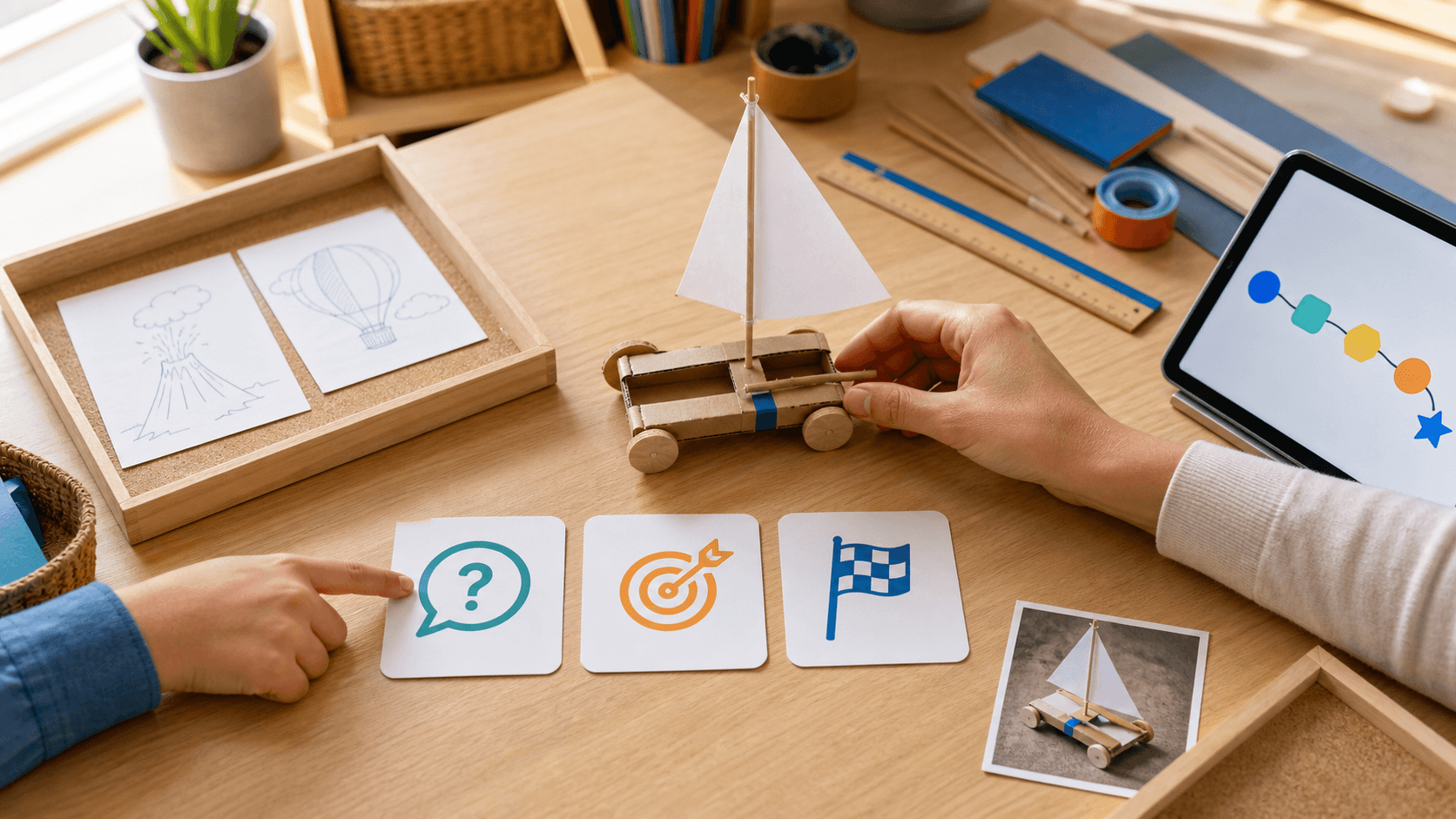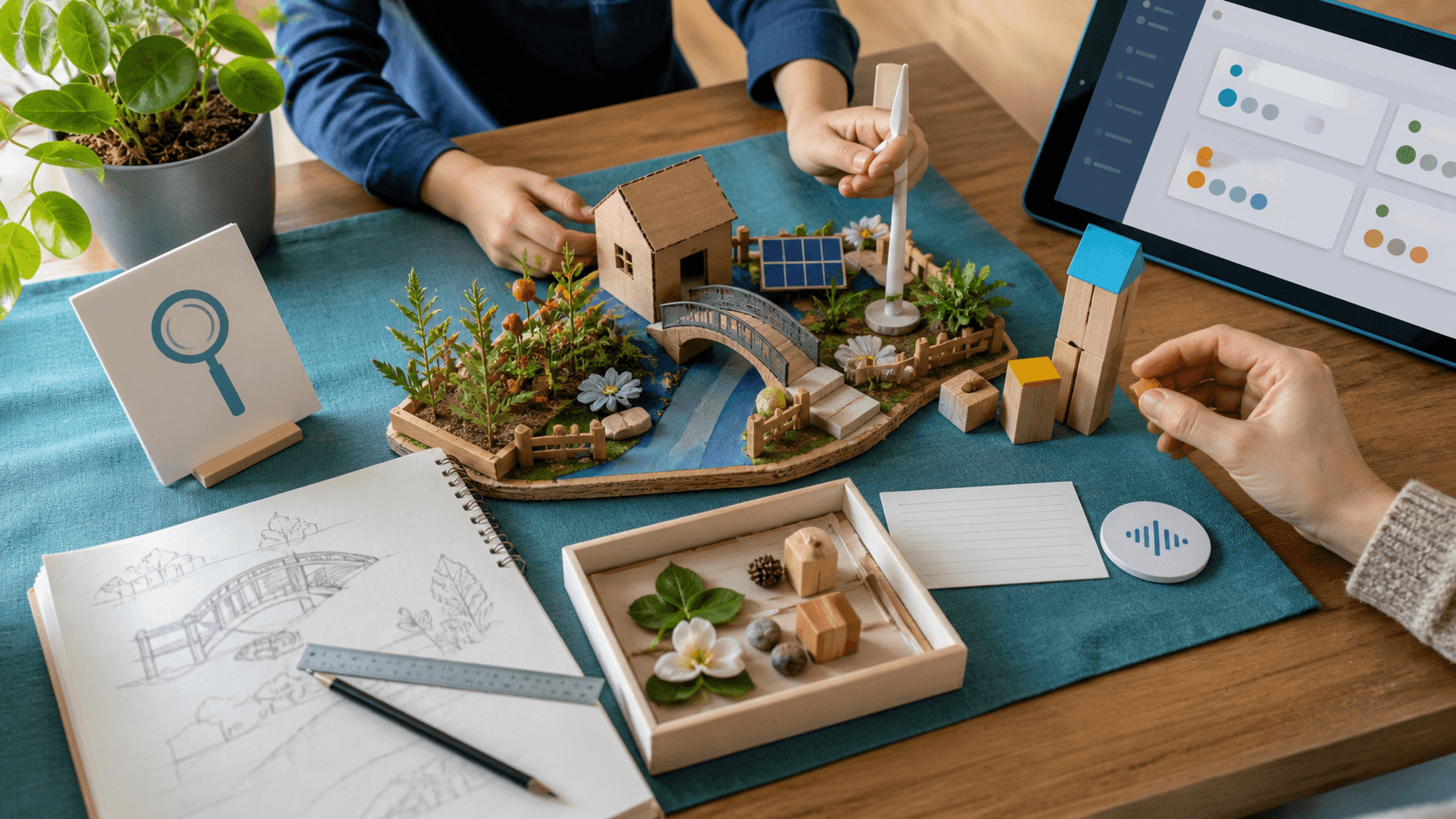
Parents usually do not need one giant app that tries to do everything. They need clear roles: what keeps the learning week serious, and what turns finished core work into curiosity, invention, stories, design, and creative AI projects.
That is the strongest way to use SchoolQuest AI with Little AI Minds. SchoolQuest AI should own the homeschooling or worldschooling rhythm: weekly plan, short missions, mastery checks, portfolio proof, parent review, and the calm question of what should happen next.
Little AI Minds should stay the broader creative AI lab. After the core learning loop is done, a child can turn a science idea into a poster, a geography topic into a story world, an animal study into a mini book, or an AI Literacy question into a supervised creative project.
This split matters for gifted and high-IQ learners, ADHD learners, autistic learners, neurodivergent children, and mixed-pace families. The same child may need structure in writing, more challenge in mathematics, a visual rhythm for transitions, and wide creative space once the essentials are complete.
For expat, digital-nomad, and worldschooling families, the two-app path also keeps records cleaner. SchoolQuest AI can hold the weekly evidence trail while Little AI Minds holds the creative artifacts that show interests, projects, and voice.
The boundary is important: AI should not become a babysitter, a legal compliance promise, or a shortcut around real understanding. SchoolQuest AI keeps the parent in charge of the learning path. Little AI Minds extends the imagination once the parent-controlled core is anchored.
A simple first week could look like this: three to five SchoolQuest learning blocks for mathematics, reading, writing, science, and world context; then one Little AI Minds creative extension that turns the week into something the child can proudly show.
That is why the best paid setup for many families is not either SchoolQuest AI or Little AI Minds. It is SchoolQuest AI for the structured learning week, plus Little AI Minds as the creative AI studio around it.
Next decision
Adult learning guide
Creating an adult account is free. Prepared paid practice requires an active SchoolQuest plan; a free account alone does not unlock it.
Adult learning guide
The app offers exercises compatible with the chosen grade and cycles through the selected skill. Prepared explanations and answer feedback help with practice; open written work may need an adult to review it.
Adult learning guidePrepared curriculum
These figures describe the authored curriculum catalogue. The local app offers its compatible prepared exercises; catalogue totals are not a promise of cloud tutoring, certification or every former feature.
Prepared curriculumOther apps have separate scope
These SchoolQuest plans pay for the local SchoolQuest practice described here. They do not create a combined subscription or promise features from Little AI Minds or another app. Check any other app’s current scope and terms separately before buying.
Other apps have separate scopePlans and scope
Creating an adult account is free. Prepared paid practice requires an active SchoolQuest plan; a free account alone does not unlock it.
See prices and orderBrowser app on your device
The app works in a compatible browser. Installing a home-screen shortcut does not add cloud sync or guarantee offline access. Online authentication and parent checks are still required.
Read the device guideAdult learning guide
Contact support
This guide is already public. If you submit the optional form, your adult email, consent and app-interest choice are sent online and stored for that request. Do not include child details. Learning-place JSON backups remain separate.